
Inside the control panel
See the controls.
Understand the workflow.
Actual screens from the shared StarBonding Android configuration portal. Click any screenshot to open its annotated guide.

Encoder settings
Set resolution, frame rate and bitrate.
View screenshot & annotations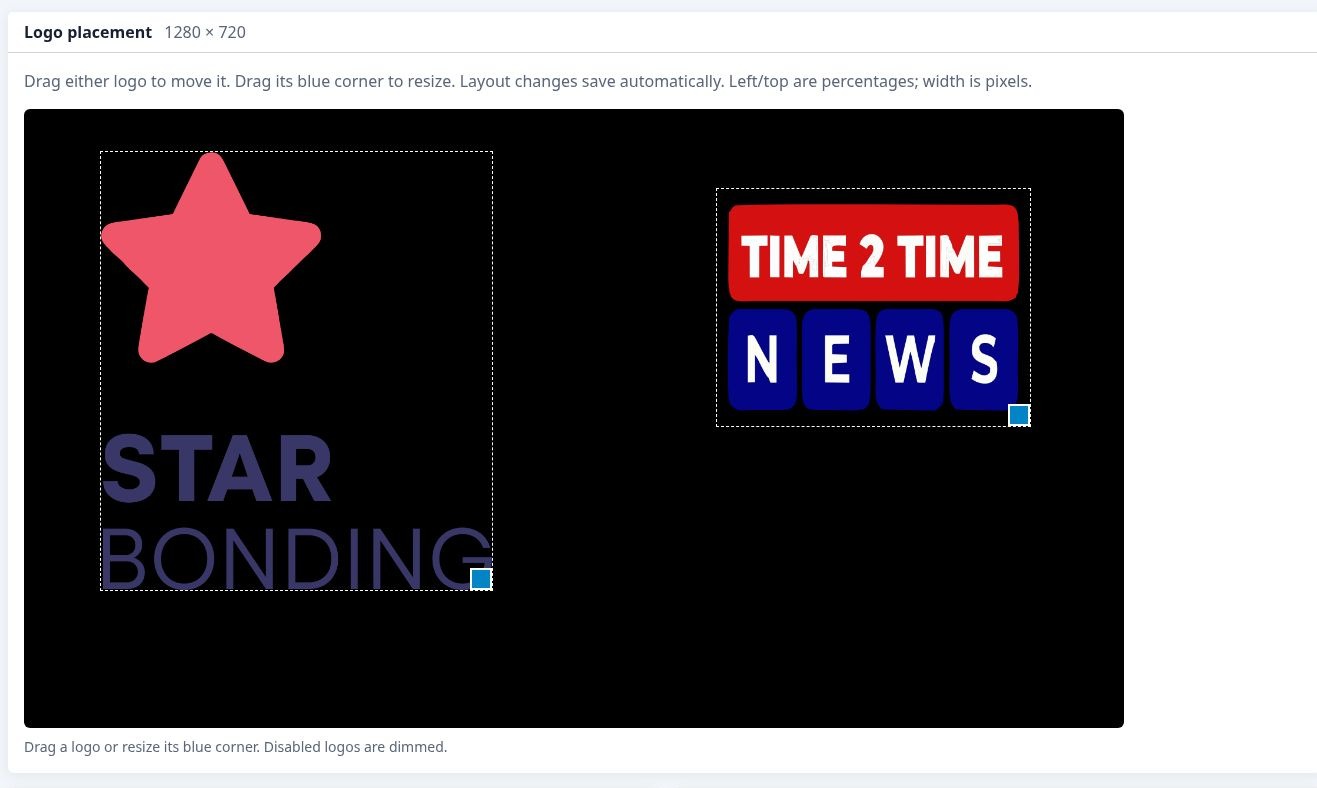
Logo placement
Position and resize two independent logos.
View screenshot & annotations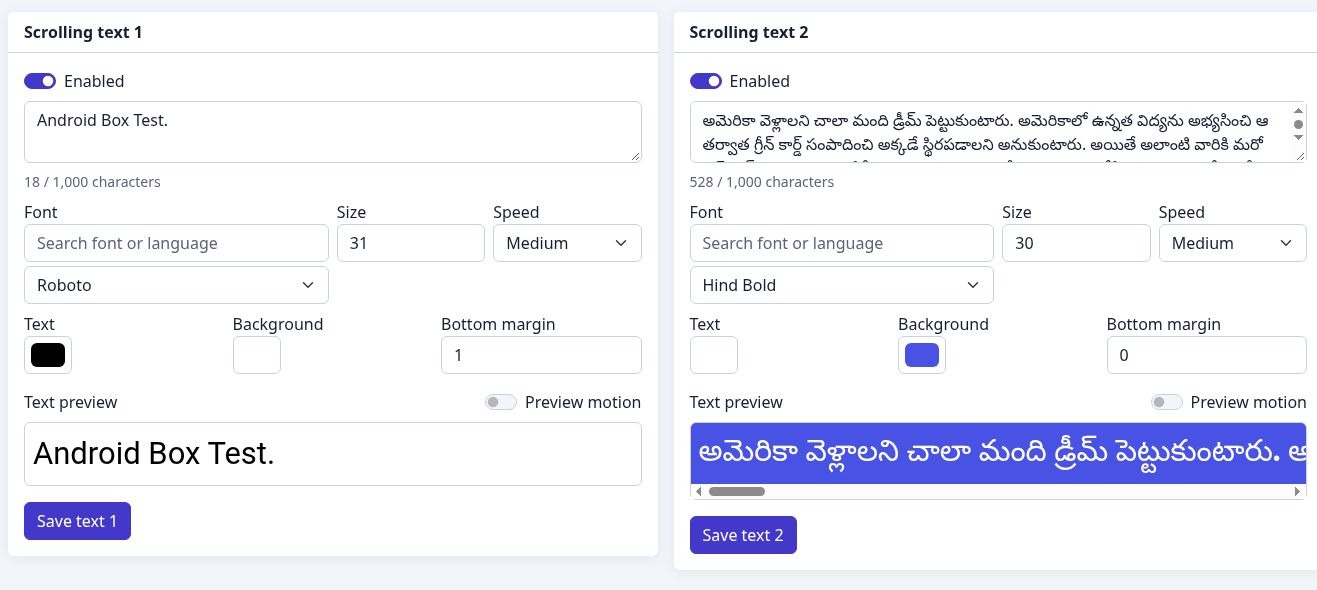
Scrolling text
Style two texts with fonts, colours and motion.
View screenshot & annotations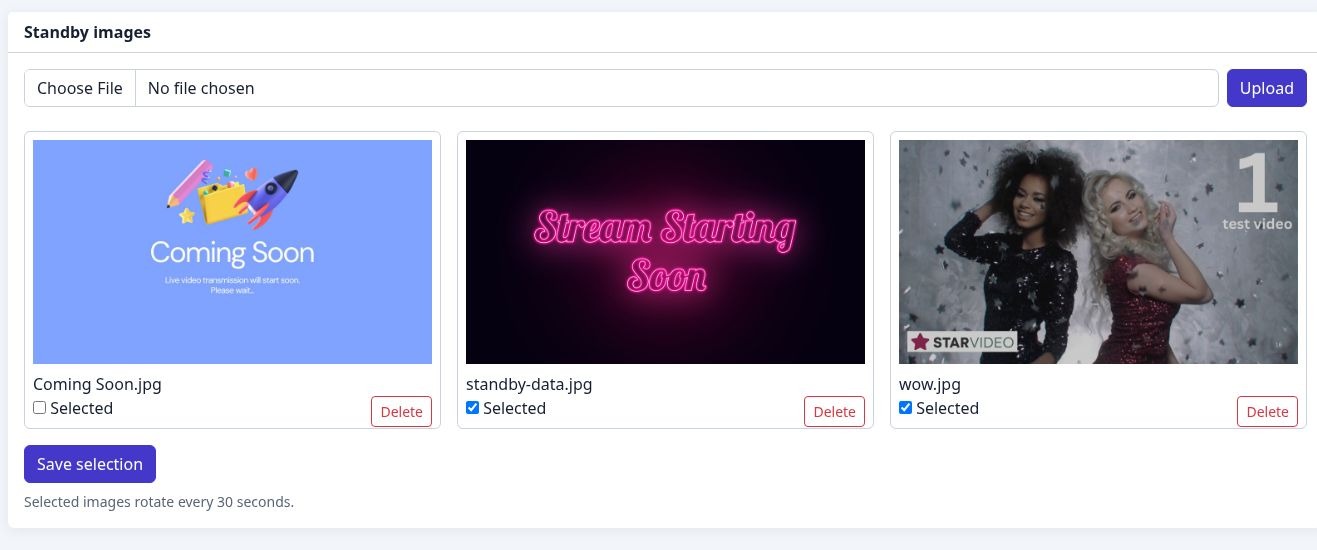
Standby images
Prepare images for breaks and event start screens.
View screenshot & annotations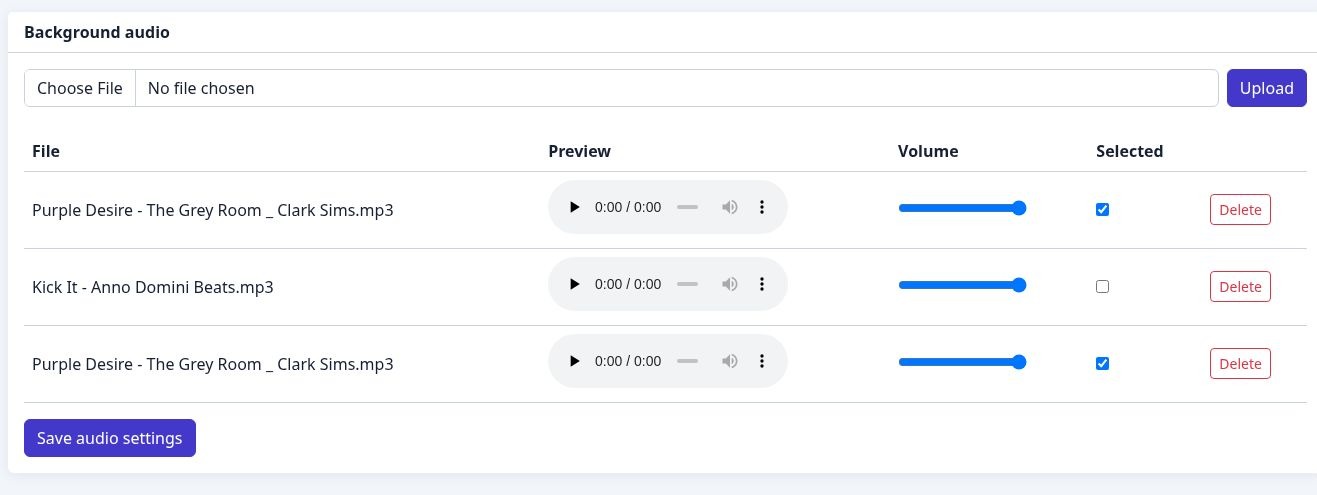
Background audio
Upload, preview and set per-file volume.
View screenshot & annotations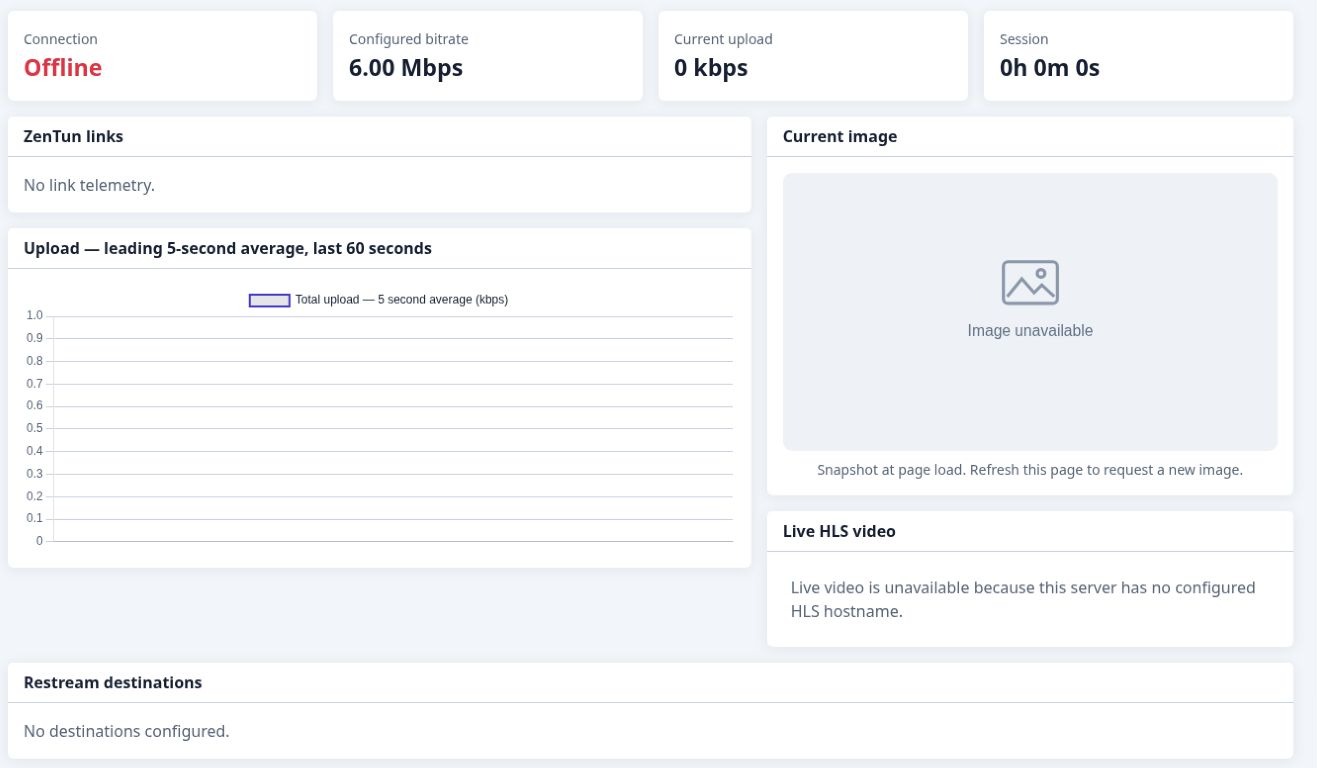
Stream monitoring
See connection state, bitrate, upload and video status.
View screenshot & annotations