
All screenshots
Control panel guide
Stream monitoring
See connection state, bitrate, upload and video status. Select a numbered marker to read its explanation.
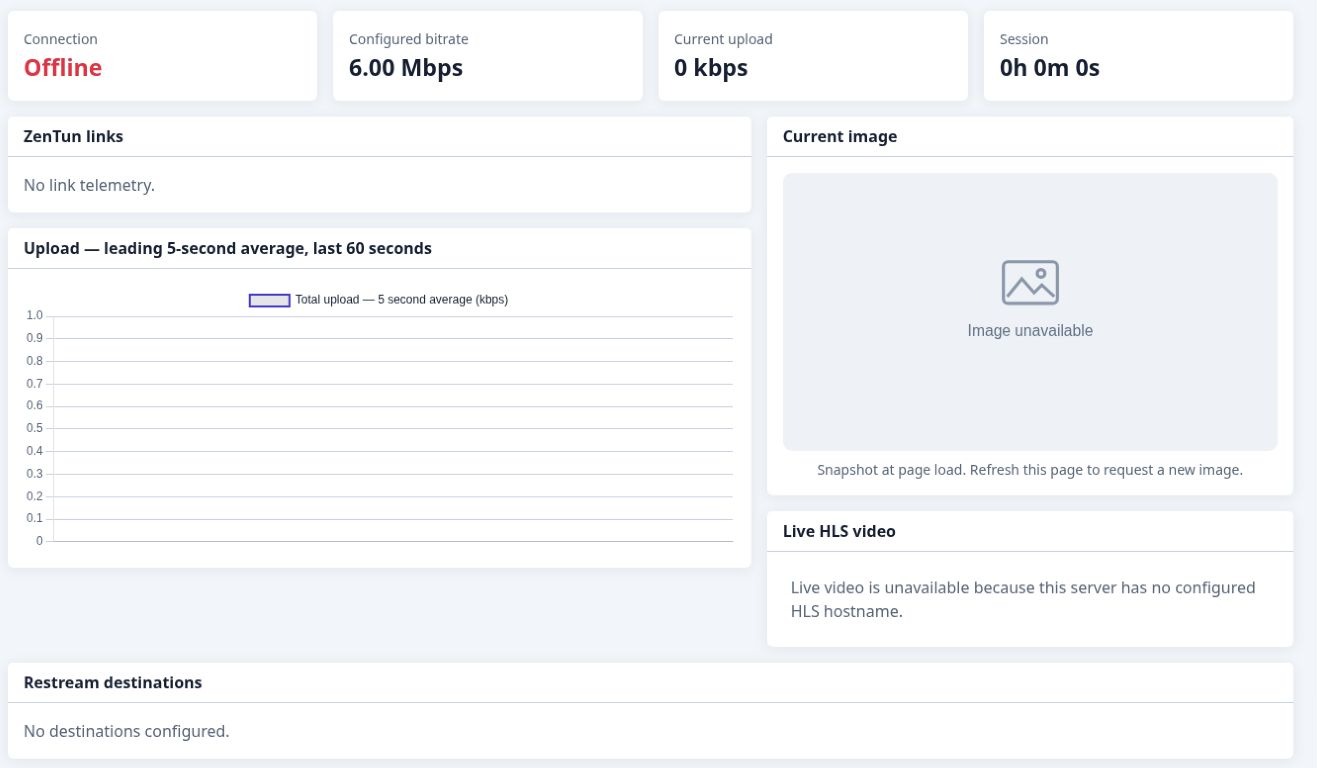
This capture shows an offline device, so live telemetry and the current image are unavailable.
- 1
Session overview
The top cards show connection state, configured bitrate, current upload and session duration.
- 2
Bonding-link telemetry
The links panel displays available connection telemetry when the device reports it.
- 3
Upload history
The chart shows the leading five-second average over the last 60 seconds.
- 4
Current image
The snapshot area displays the current device image when available.