
All screenshots
Control panel guide
Background audio
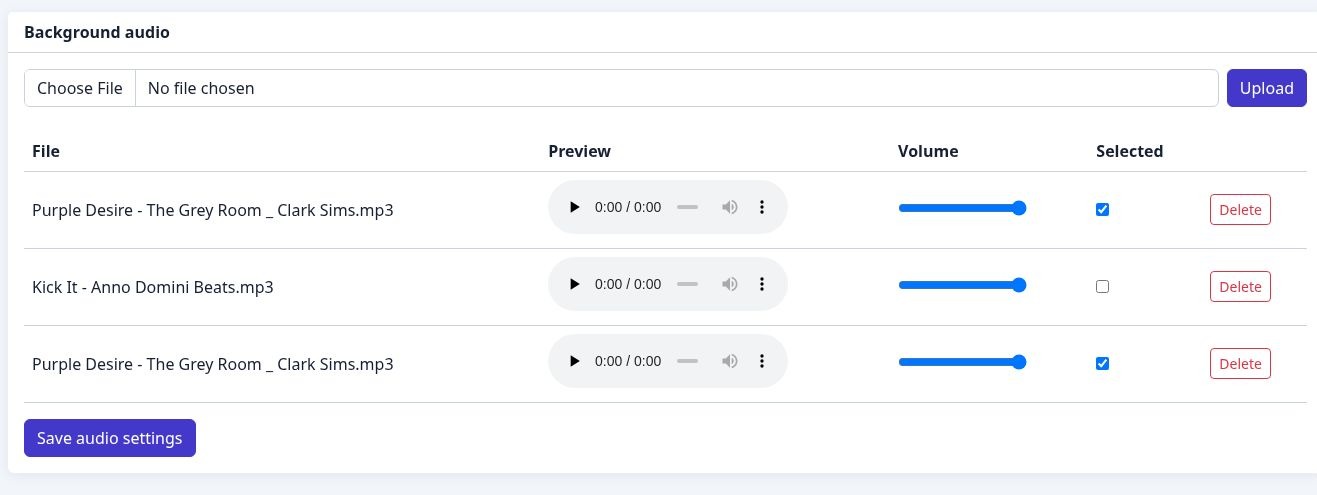
Upload, preview and set per-file volume. Select a numbered marker to read its explanation.
- 1
Upload audio
Choose a file and use Upload to add background audio.
- 2
Preview a file
Use the playback control to listen to a file before selecting it.
- 3
Volume & selection
Set the volume for each file and tick the files you want to use.
- 4
Save audio settings
Store the selected files and volume settings with this button.