
All screenshots
Control panel guide
Logo placement
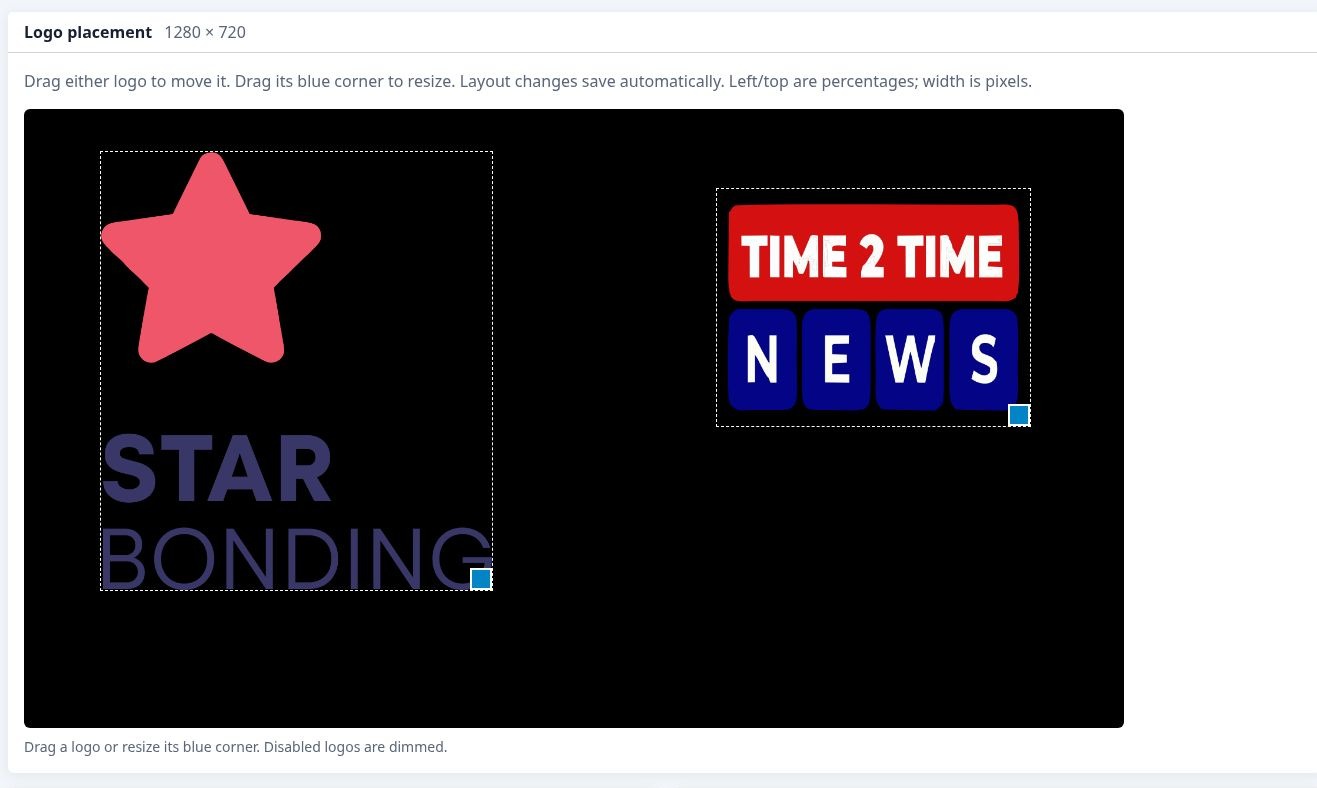
Position and resize two independent logos. Select a numbered marker to read its explanation.
- 1
Layout preview
The preview shows the position and relative size of both uploaded logos.
- 2
Move each logo
Drag a logo within the layout to change its position.
- 3
Resize handle
Drag the blue corner of a logo to resize it. Layout changes save automatically.
- 4
Two independent overlays
Logo 1 and Logo 2 can be positioned separately. The controls below the preview provide upload, enable and save options.