Network bonding
Combine available USB mobile Internet connections, Wi-Fi and LAN to carry your live stream.
HQ103 · Standalone live streaming encoder
Go live from HDMI or DJI RC video. Add sports graphics, logos and scrolling text, while StarBonding combines your Internet connections.
₹39,990Laptop-free streaming · Engineered in India
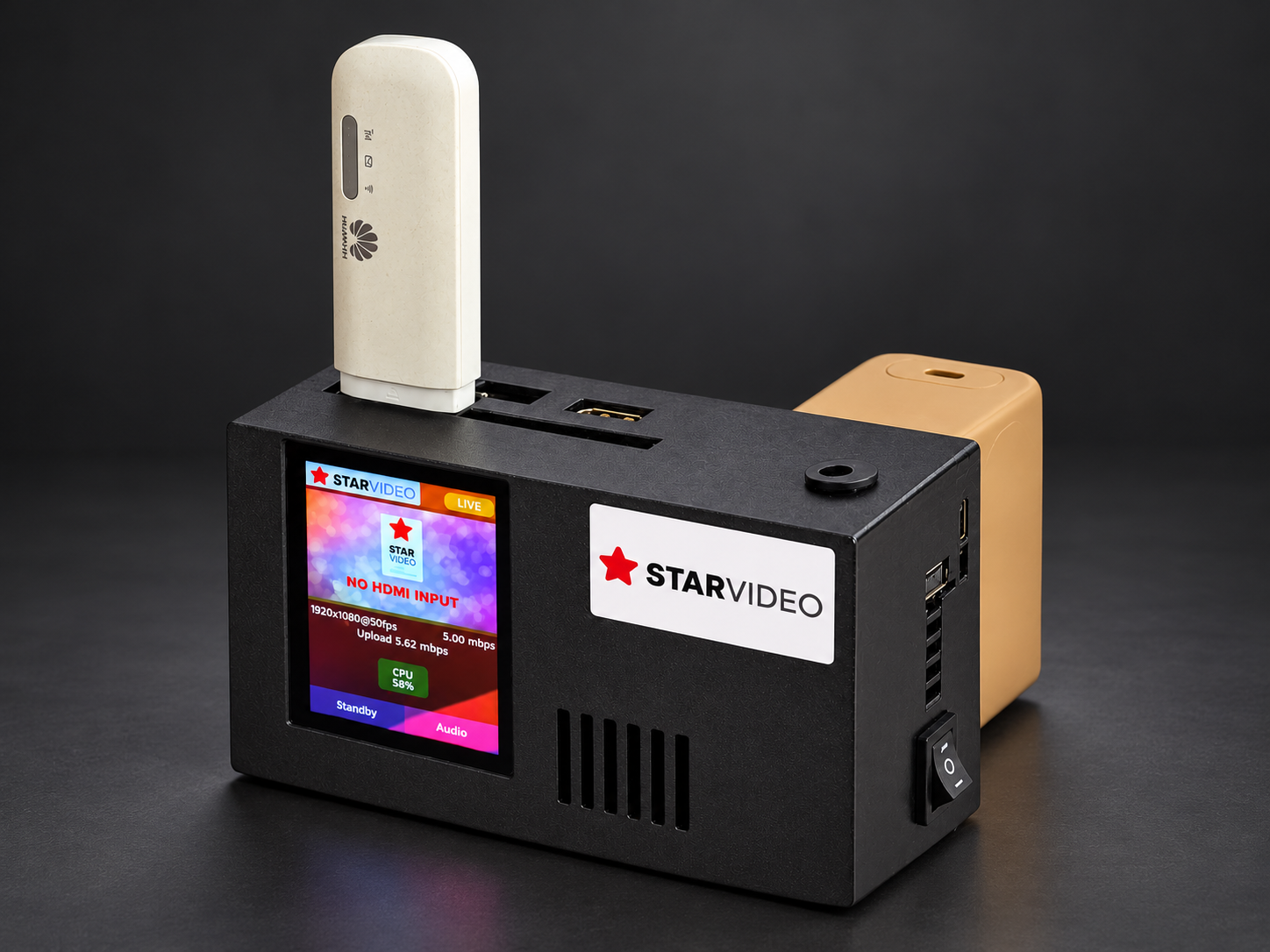
Product shown with attached accessories.
Production tools built in
Prepare your branding, control your sources and stream directly from HQ103. No laptop required.
Combine available USB mobile Internet connections, Wi-Fi and LAN to carry your live stream.
Use your Sports HTML overlay URL to add scoreboard and sports graphics to the broadcast.
Bring the drone view into your live streaming workflow through DJI RC video.
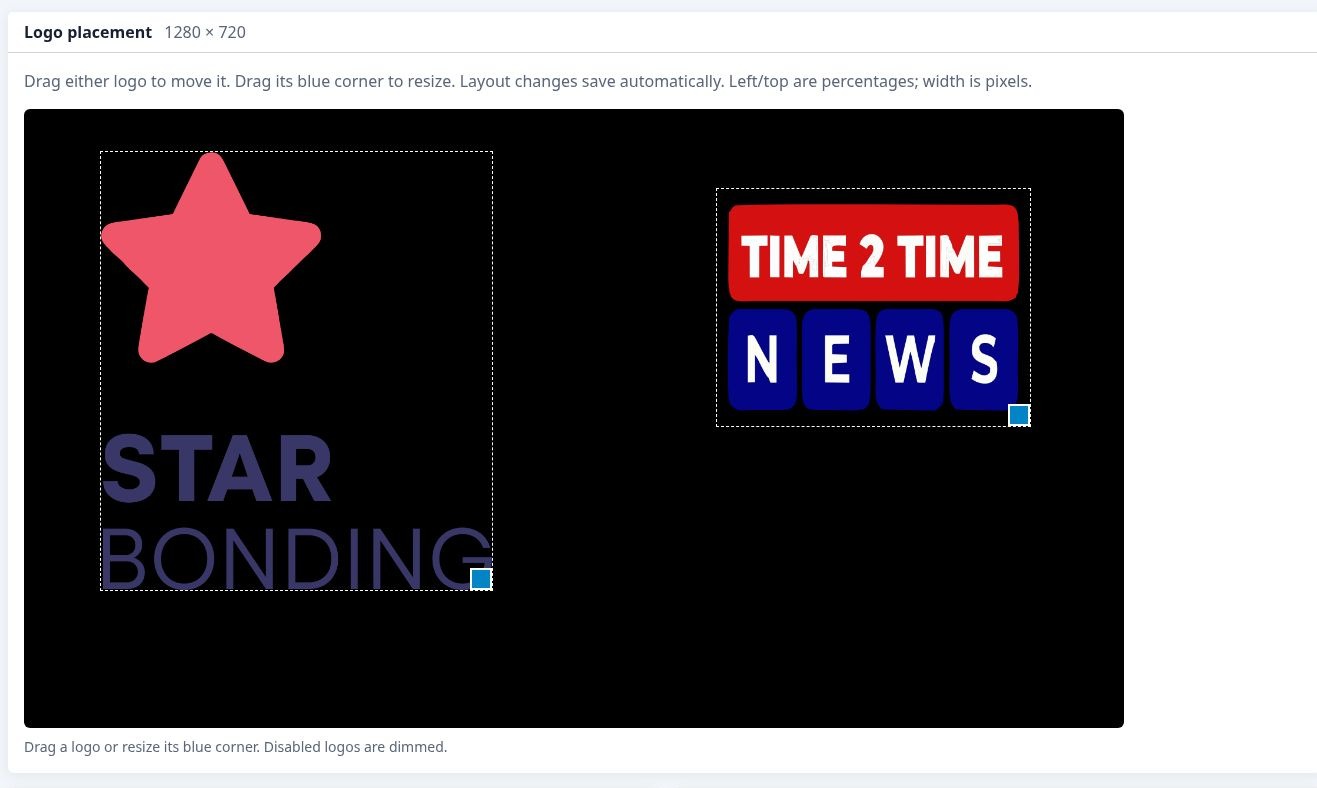
Add two independent logos. Adjust their position and size through the configuration portal.
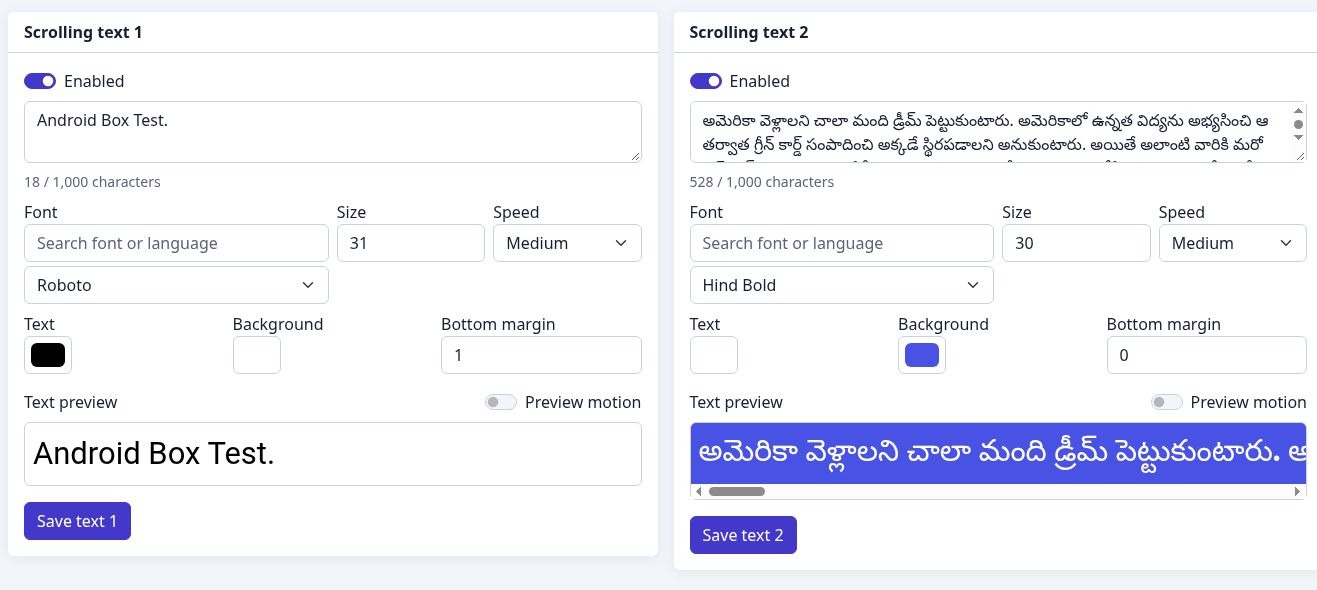
Show announcements and updates with separate text controls, colours, fonts and scrolling speeds.
Display selected images before the event or during a break. Rotate multiple images every 30 seconds.
Upload audio files for your programme and set the volume for each file.
Select live video or standby images, then combine them with live audio or background music.
Manage encoder settings, overlays, Wi-Fi and streaming destinations from the web portal.
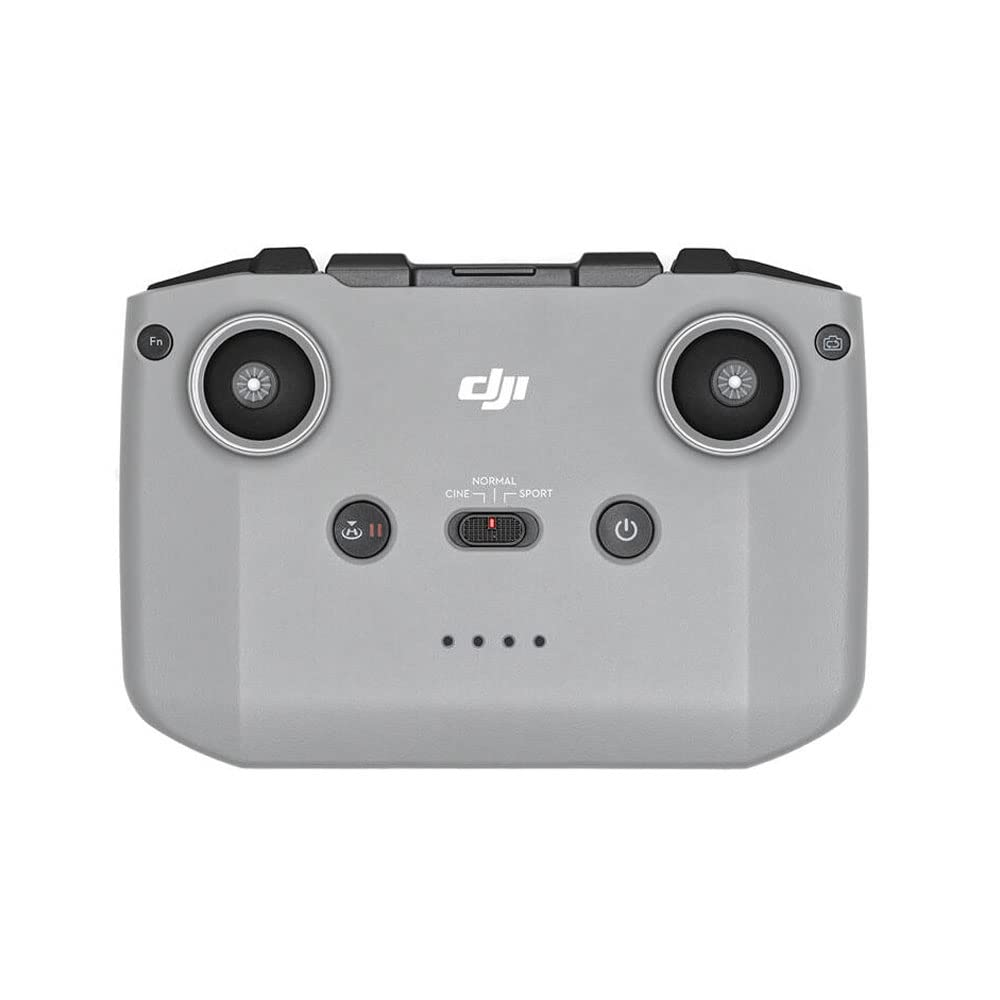
Drone Live
HQ103 accepts DJI RC video as a source for live streaming. Give viewers the drone perspective during outdoor events, ceremonies and sports coverage.
Powered by StarBonding

Use available 4G/5G USB dongles, venue LAN and Wi-Fi connections.
Bond the connections, recover lost packets and smooth short-term network variations.
Stream to configured destinations such as YouTube, Facebook or your RTMP/RTMPS server.
Traffic moves to available links when a connection fails or becomes unstable.
The encoder adjusts bitrate as available bandwidth changes.
Recovery and an optimised buffer help manage loss and fluctuating links.
Connect to the StarBonding cloud without a static IP.
Stream continuity depends on the capacity of the remaining Internet connections.
Touch display + cloud portal
The 2.8-inch touch display shows the current video, network statistics and device state. Adjust the broadcast on the device, or open the cloud portal using its QR code.
Change resolution, frame rate and bitrate. Use switching options and display the QR code for the portal.
Prepare two logos and two text overlays, standby images, audio files, destination settings and the Sports HTML URL.
Check the current video and network statistics on the display, and view device and connection status through the portal.
HQ103 specifications
Single HDMI input. Five USB ports. Three power options. A standalone encoder with production and bonding built in.
Talk to our team| HDMI video inputs | 1 |
|---|---|
| USB ports | 5 |
| Network connectivity | 1 × Wi-Fi + 1 × LAN |
| Display | 2.8-inch touch display |
| Video preview | Current video |
| Full HD modes | 1920 × 1080 at 50 or 30 fps |
| HD modes | 1280 × 720 at 60 or 30 fps |
| Portal bitrate selection | 0.5–12 Mbps, in 0.25 Mbps steps |
| Power options | Type-C, 12V barrel jack, Sony NP-F battery |
| Network bonding | Yes |
| Logo / text overlays | 2 logos + 2 scrolling texts |
| Sports HTML overlay | Yes |
| DJI RC Video Input | Yes |
| Standby / background audio | Yes / Yes |
| Audio-video mixer | Yes |
| Streaming destinations | 2 RTMP / RTMPS destination slots |
| Configuration | Touch controls + cloud portal |
StarVideo HQ103
For camera and drone live streaming, sports coverage, weddings and outdoor events.
Call 9000 900 300 to discuss your setup and order.
₹39,990
Before you go live
No. HQ103 is a standalone streaming encoder. Use its touch display and cloud configuration portal to manage the workflow.
1080p at 50 or 30 fps, and 720p at 60 or 30 fps.
Yes. HQ103 supports DJI RC Video Input. Contact our team with your controller model to confirm the required setup.
Yes. Configure the two RTMP/RTMPS destination slots for platforms such as YouTube and Facebook.
HQ103 provides Type-C power input, a 12V barrel jack and Sony NP-F battery support.
HQ103 has one HDMI input, a 2.8-inch touch display, Sports HTML overlay and DJI RC Video Input. HQ104 has two HDMI inputs, a 4.3-inch touch display and previews of both videos.